Index
Introducing Journey Finder
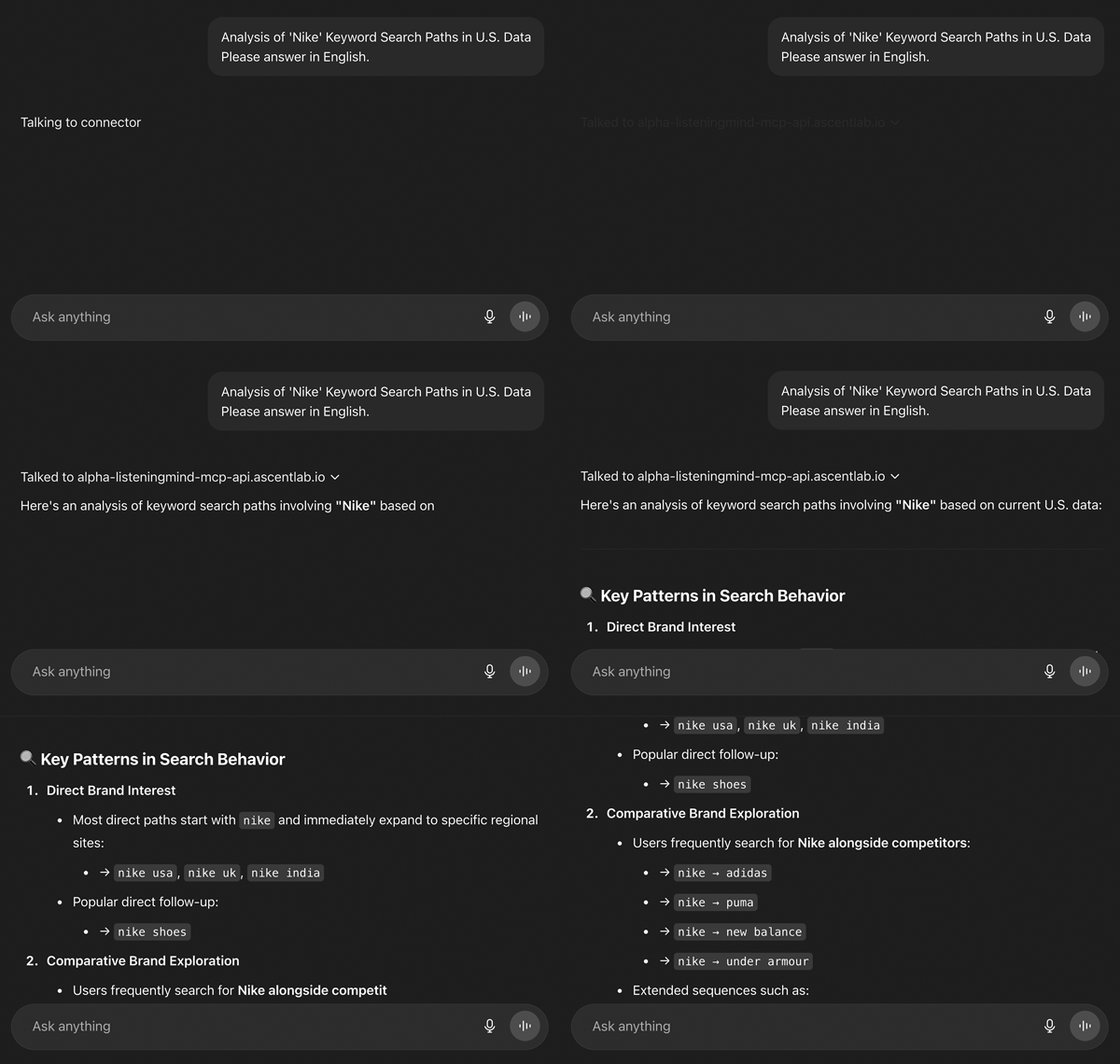
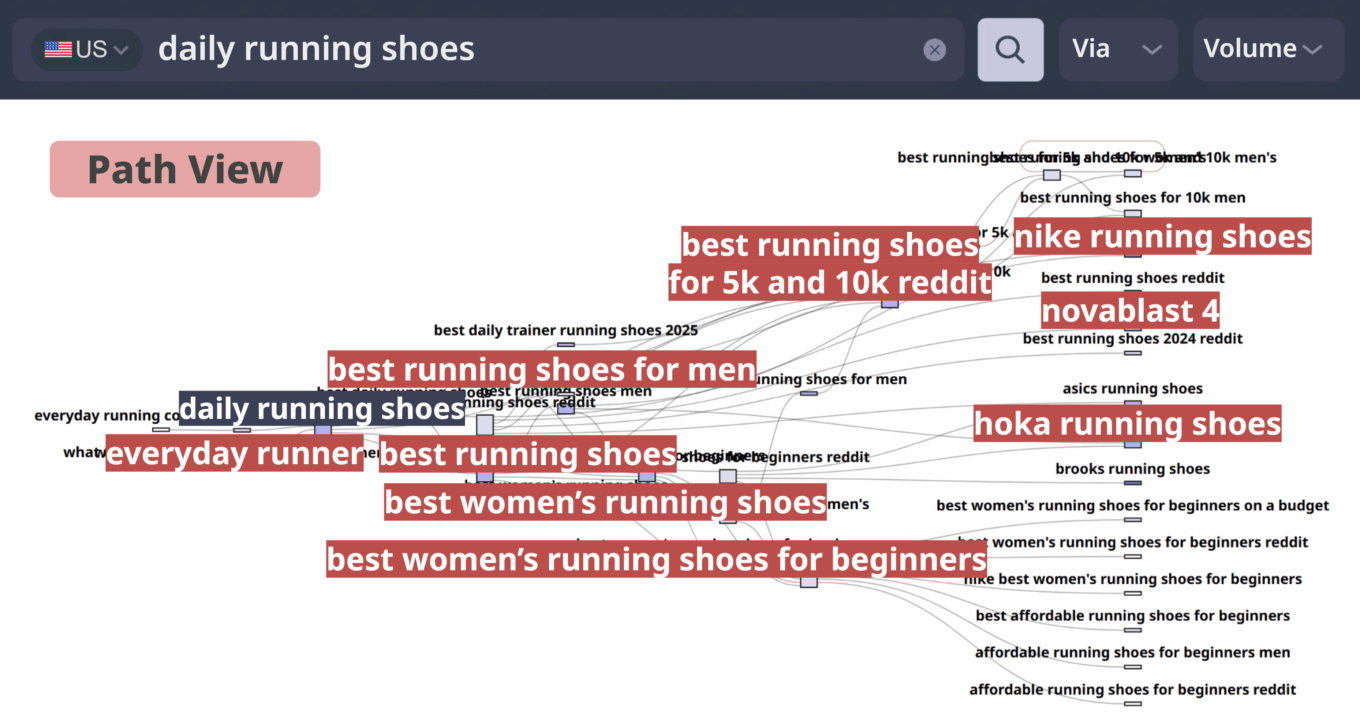
Journey Finder Visualizes the complete Customer Decision Journey (CDJ) from the very first search to purchase and beyond. By mapping every stage- exploration, comparison, experience, confirmation, and services- it reveals how real consumers explore, switch, and make decisions..
- Uncover hidden pathways to purchase
- Identify triggers and drop-offs to optimize spend
- Track brand switching to prevent leakage
- Design content and media strategies by intent
FAQ
Journey Finder Can I edit the data analyzed by Journey Finder?
When reviewing Journey Finder results, you may occasionally find data that appears irrelevant or outside your specific scope. In such cases, you can use the editing features to modify or exclude data from the automated analysis results to better align with your objectives.
[Scope of Editable Data]
- Remove unnecessary keywords
- Modify Topic, CDJ Stage, and Brand classifications
- Download data, edit, and re-upload
[Data Editing Methods]
1. Automated Data Editing Used for quickly and efficiently excluding or reclassifying large volumes of keywords.
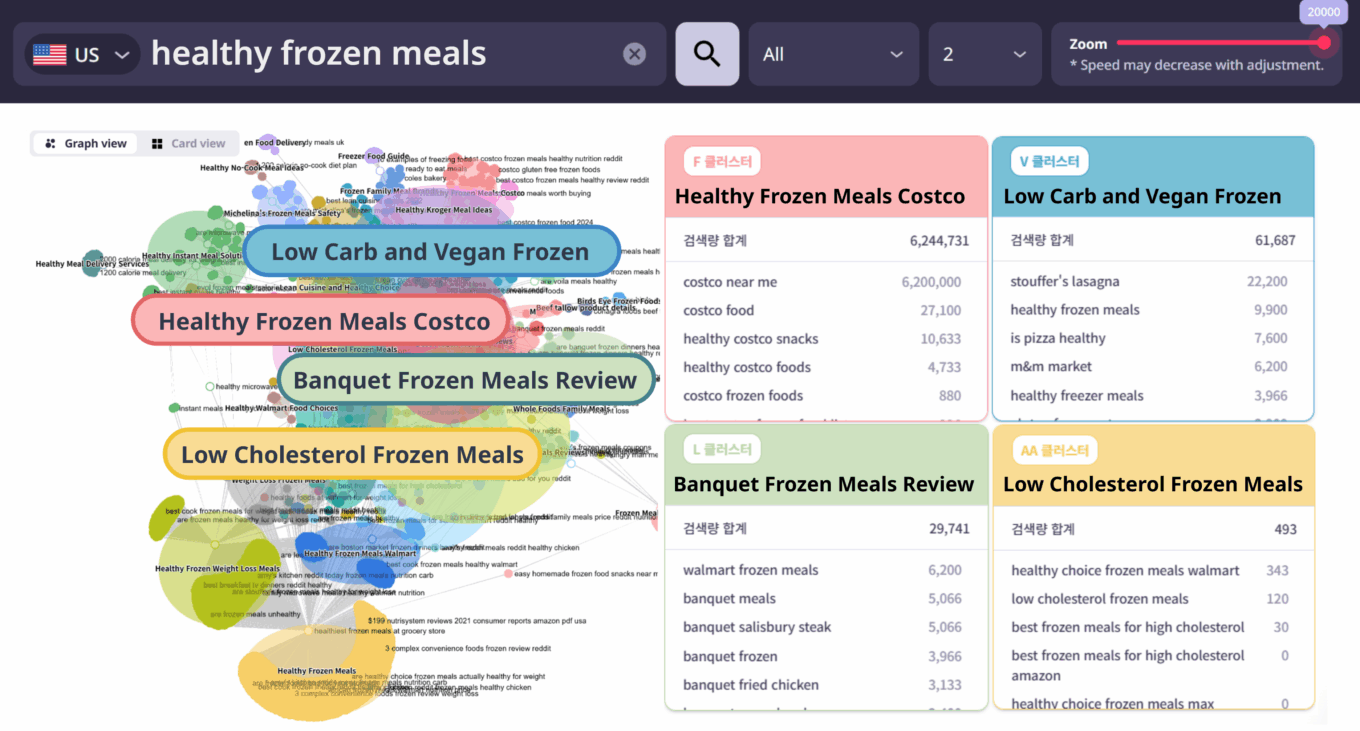
- Exclude Irrelevant Keywords by Cluster: You can exclude entire cluster groups categorized by topic from the analysis.
- Exclude Individual Keywords: You can manually select and remove specific keywords one by one.
- Regenerate Project: After excluding keywords, selecting ‘Regenerate Project’ triggers the AI to re-analyze and re-classify the remaining keywords. (Note: This will consume one regeneration credit.)
2. Manual Data Editing Used when you wish to directly modify specific data points.
- Download Current Data: Export the existing dataset into a file.
- Direct Modification: You can manually change values in the following fields: Target Keyword, Intent Keyword, Branded/Non-branded, Brand/Product Name, CDJ Stage, and Topic.
- Keyword Removal: To exclude irrelevant keywords, simply delete the entire row containing that keyword.
- Upload Edited File: Save and re-upload the modified file to apply changes.
❗️ Important: Modifying data fields other than the designated editable areas (e.g., search volume) may cause system errors.
Journey Finder What is the Domain Visibility Filter?
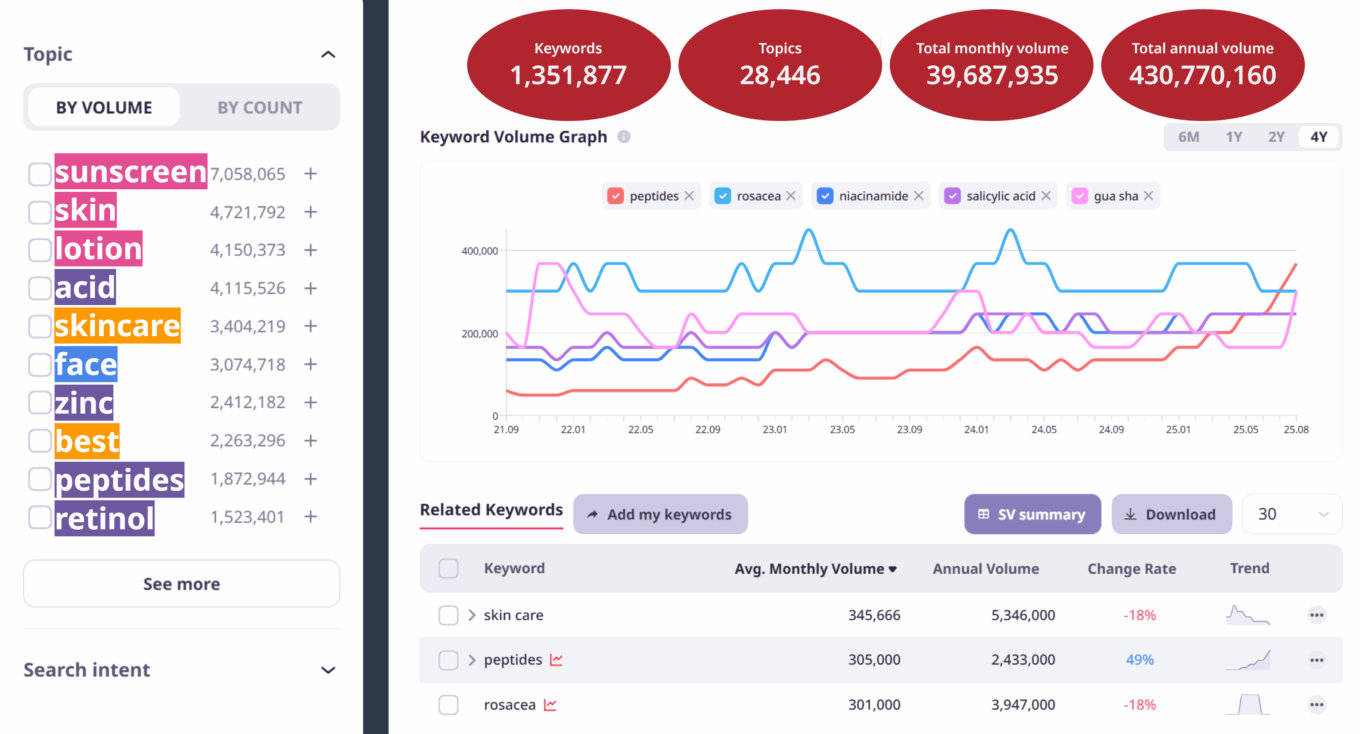
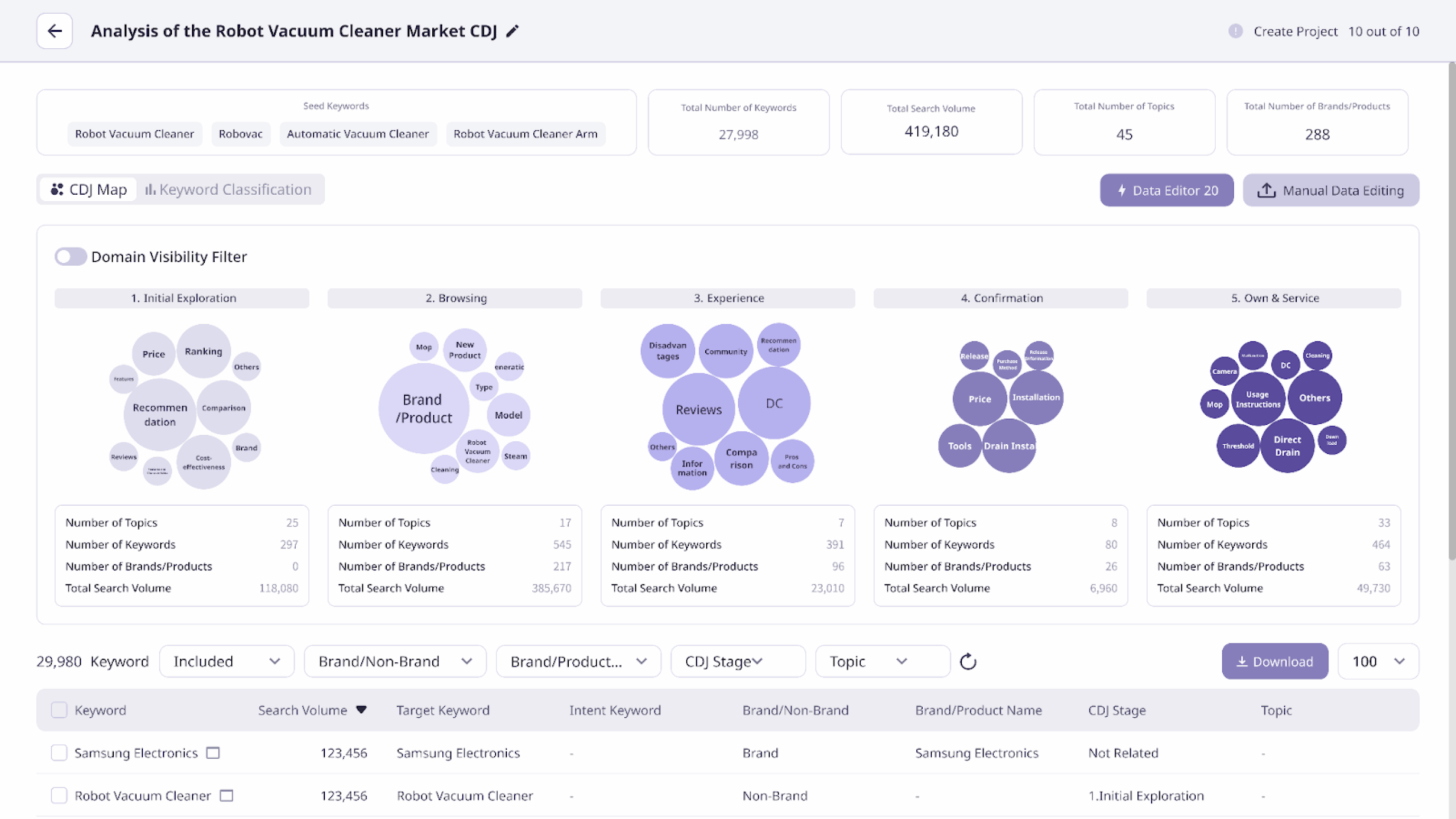
In the CDJ map confirmed through Journey Finder, you will see a bubble graph that visualizes keywords categorized by stage and ‘Topic’. The size of each bubble is determined by either the aggregated search volume or the number of keywords included.
The ‘Domain Visibility’ filter is a feature that allows you to identify—both visually and through data—which domains hold what level of share within the search engine results pages (SERPs) for the ‘Core Keywords’ in each stage. Based on this feature, you can pinpoint which brands (including competitors) hold a competitive advantage at specific stages within a particular industry or category.
[Summary]
By utilizing the Domain Visibility filter, you can verify how well specific domains (your own or competitors’) cover keywords across each stage of the CDJ:
- Compare Up to 5 Domains: You can enter and compare up to five different domains simultaneously.
- Visibility Calculation: The share is calculated based on the number of keywords for which the selected domain appears within the Top 10 of Google Organic Search results.
Journey Finder What does each stage of the CDJ Map in Journey Finder represent?
Journey Finder provides a visualized map of the Customer Decision Journey (CDJ) divided into specific stages. Each stage is defined as follows:
① Exploration
The stage where consumers first recognize a need or problem and begin exploring the product market.
- Example: “Smartphones under $200,” “Best SUV recommendations”
② Information Search
The stage where consumers conduct comparative searches for specific product/brand information, features, and technical specifications.
- Example: “LG refrigerator capacity,” “Tesla Model 3 battery specs”
③ Experience Search
The stage where consumers refer to the experiences of others through reviews, testimonials, and expert opinions.
- Example: “LG refrigerator reviews,” “iPhone 15 pro user feedback”
④ Purchase Decision
The stage where consumers consider their final purchase by identifying the best buying conditions.
- Example: “S24 unlocked best price,” “iPhone 15 deals”
⑤ Post-Purchase
The stage involving activities and inquiries after the purchase, such as troubleshooting, support, or joining user communities.
- Example: “Dyson repair service,” “Harley-Davidson owners club”
Journey Finder How do I use Journey Finder?
Journey Finder generates a CDJ (Customer Decision Journey) Map based on the ‘Seed Keywords’ you provide. You can enter up to 10 “Seed Keywords” that best represent the industry, service, or category you wish to analyze.
① Enter Seed Keywords
When launching Journey Finder, enter up to 10 core keywords related to the product, brand, or market you want to analyze.
- Example (Apparel-Outerwear Market): Padded jacket, Coat, Outerwear, Fleece, Jacket, Jumper, Cardigan, Shearling coat, etc.
- Example (Pet Health Insurance Market): Pet insurance, Dog insurance, Cat insurance, Dog health checkup, Cat health checkup, etc.
- Note: You can also include your own brand and competitor-specific keywords.
② AI-Powered Automated Analysis
Based on your seed keywords, the system automatically performs the following tasks:
- Relevant Keyword Collection: Gathers all related search terms.
- Data Cleaning: Filters out irrelevant keywords or those with zero search volume.
- Brand Identification: Detects and categorizes specific brands mentioned.
- CDJ Stage Classification: Maps keywords to the appropriate stages of the consumer journey.
- Topic Clustering: Groups keywords into specific themes for each stage.
③ Project Creation
Once you create the project, the AI completes the analysis and displays the final results.
Journey Finder What is Journey Finder?
Journey Finder is a feature that analyzes and visualizes the entire process from the moment a consumer first becomes aware of a product or service through search, through the stages of comparison and consideration, and finally to the point of purchase.
Using AI to analyze search data, it provides a Customer Decision Journey (CDJ) Map. Through this map, you can understand the flow of the consumer journey at a glance—from the initial recognition of a need, to searching for solutions, comparing various alternatives, and reaching a final purchase decision.
Furthermore, you can derive insights into what information consumers are curious about at each stage, which alternatives they are comparing, and which brands they are encountering. this helps in developing content and marketing strategies that are perfectly aligned with the customer journey.